 Max Pics
Camera app for your iPhone
Feel like a pro photographer with your iPhone.
Don’t spend hours editing, color grading and styling your videos and photos. Shoot professional from the start.
Max Pics is a camera app for everyone. It shoots in the color of a professional photographer with 17 years behind the camera, and puts real photographer tools in your hands: a color wheel, white balance, shutter speed, film grain, color schemes and my own presets.
3 days free, then $3.49/month. No ads, no accounts.
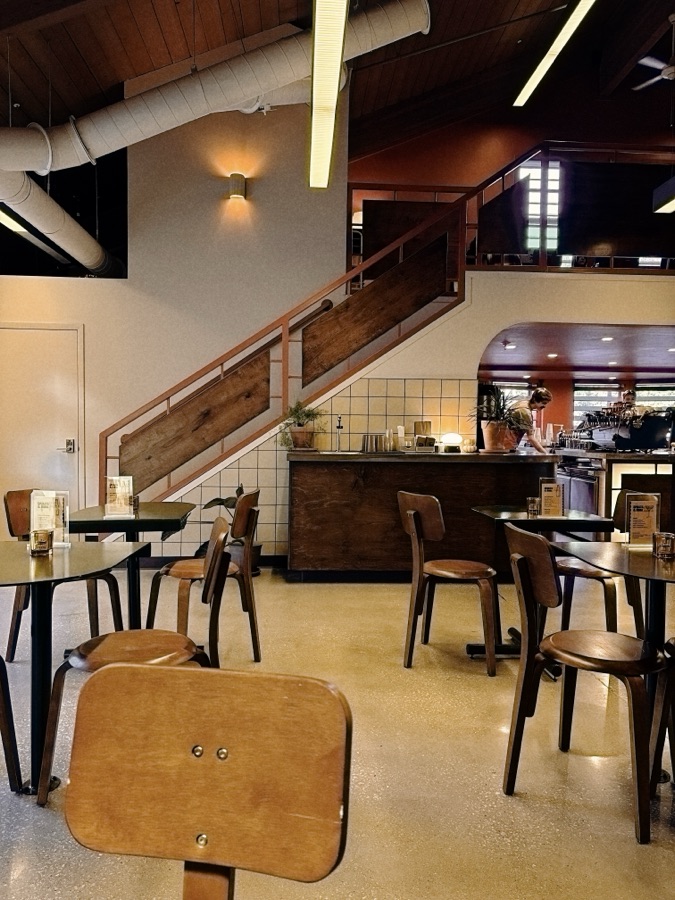
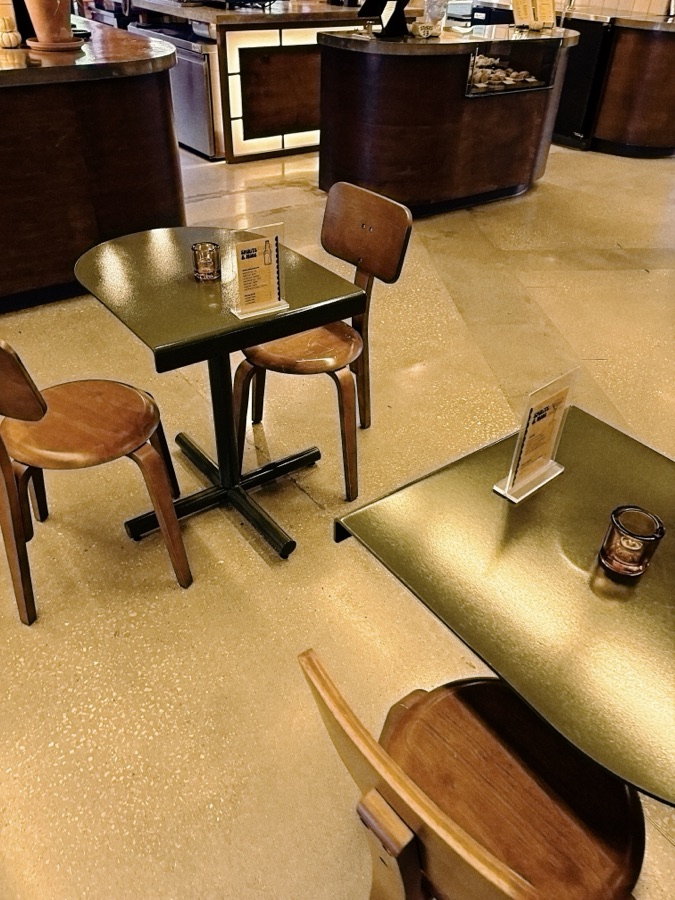

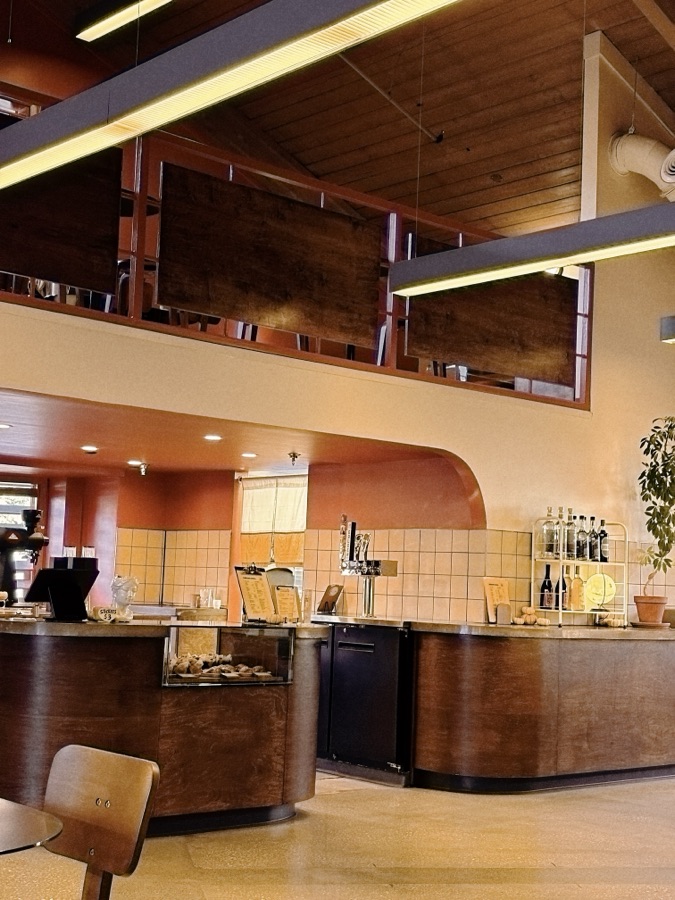
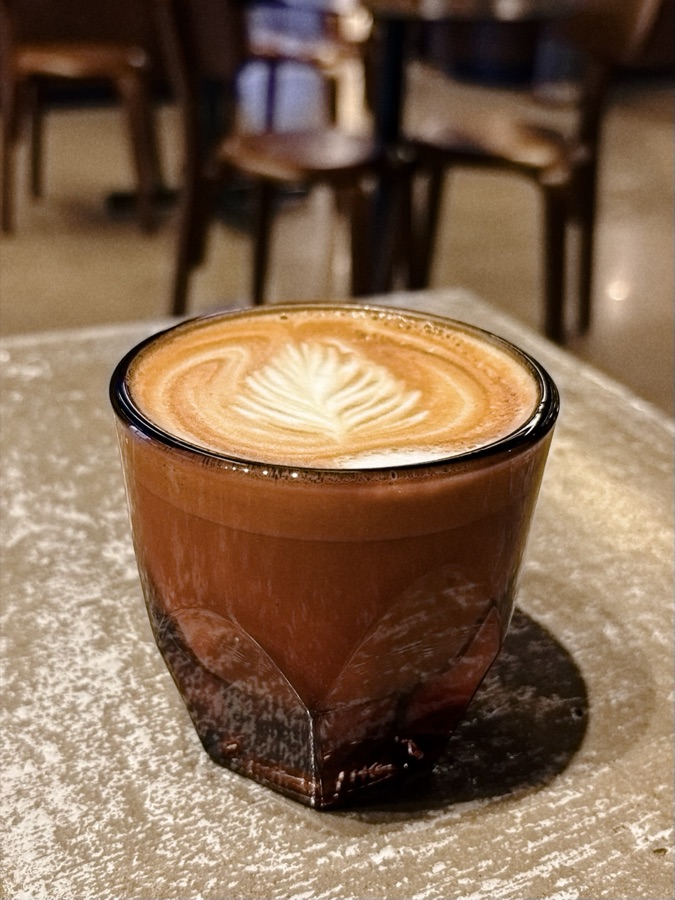
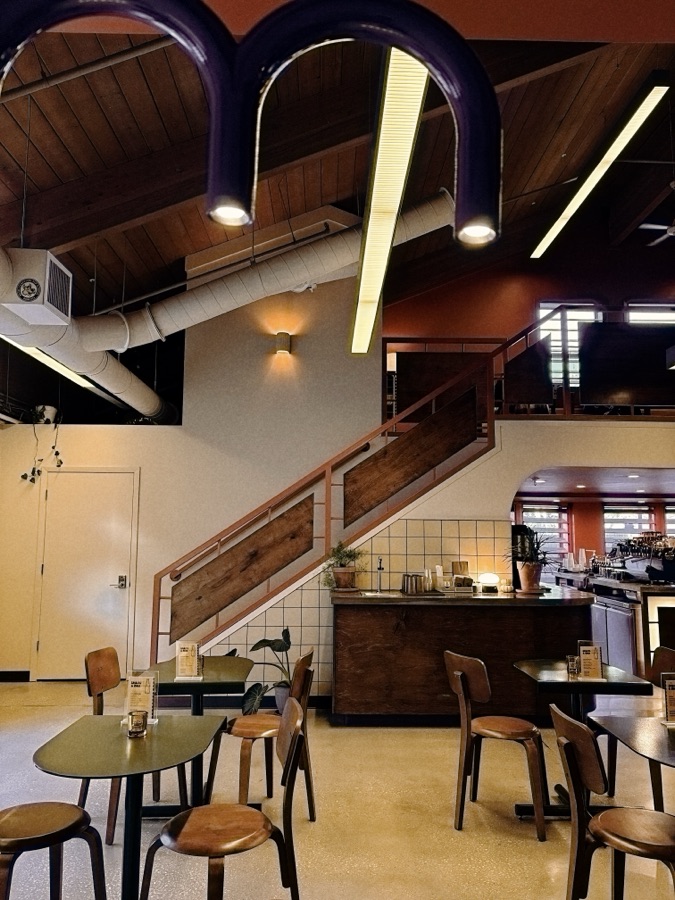
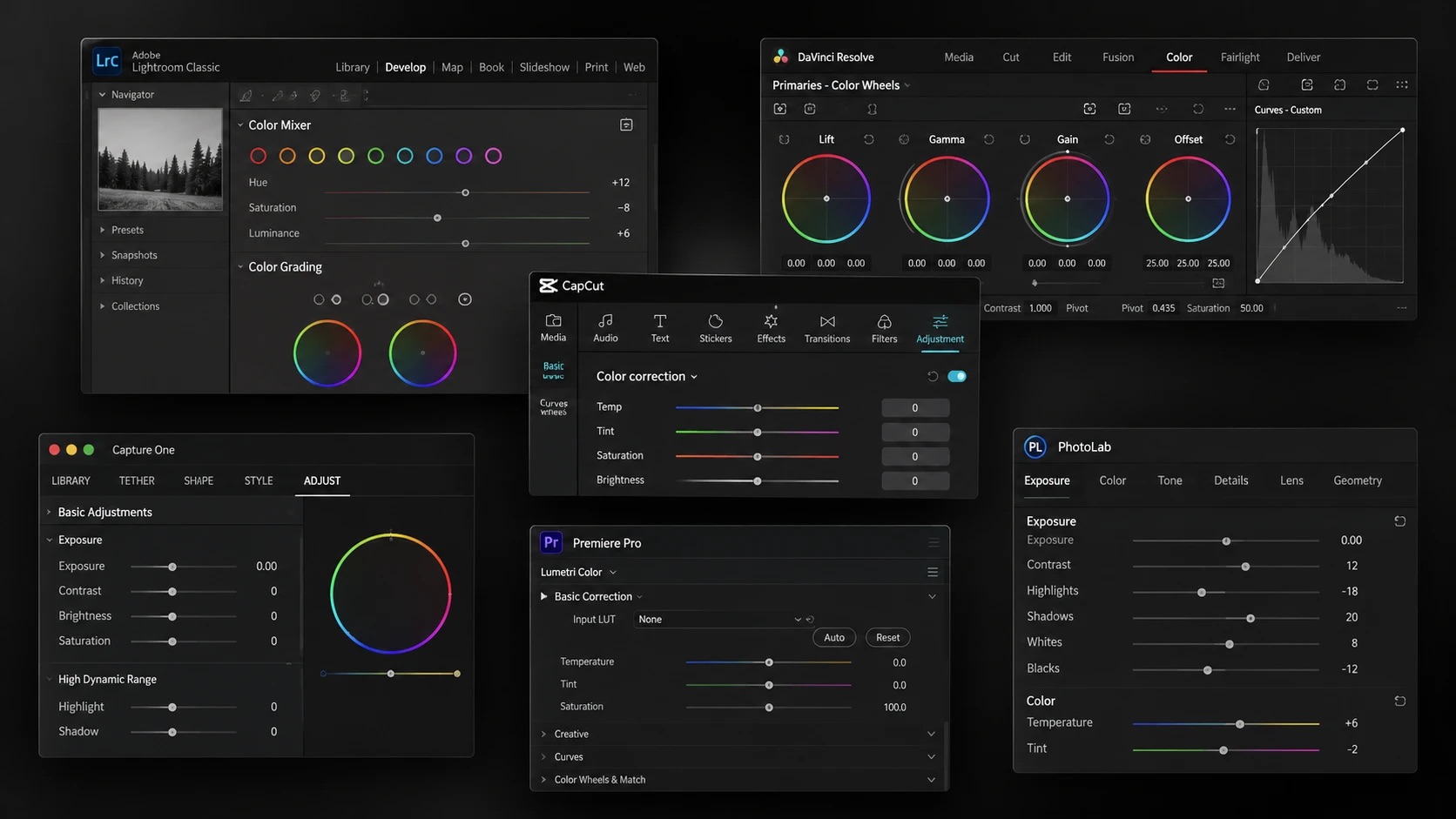
Skip the editing. Shoot it finished.
Lightroom, DaVinci, CapCut, Premiere: hours of grading and styling after every shoot. Max Pics does that work inside the camera, live, so what you record is already the final result.
- 1Shoot
- 2Import
- 3Color grade
- 4Style
- 5Export
- 6Post
- 1Shoot
- 2Post
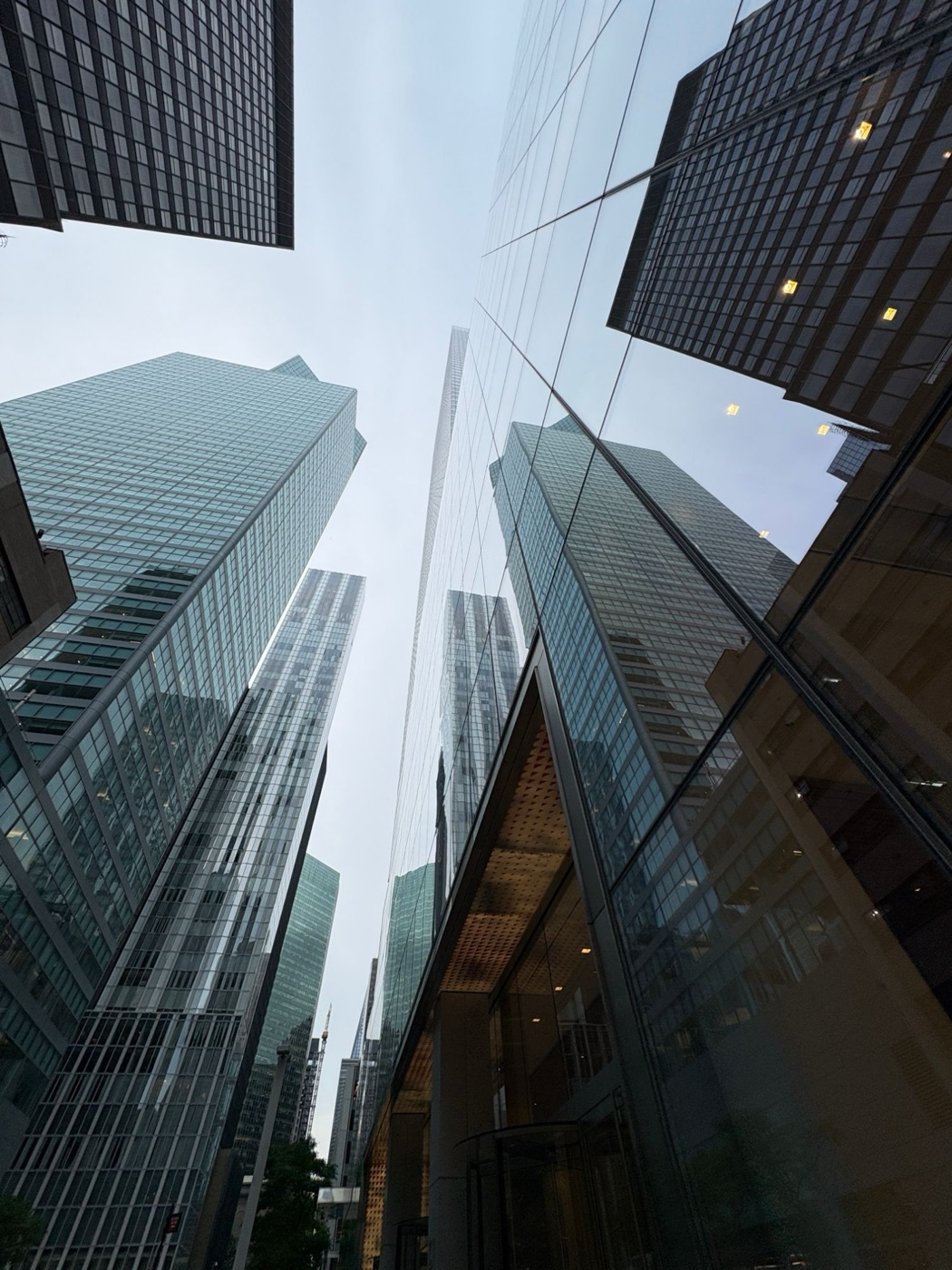
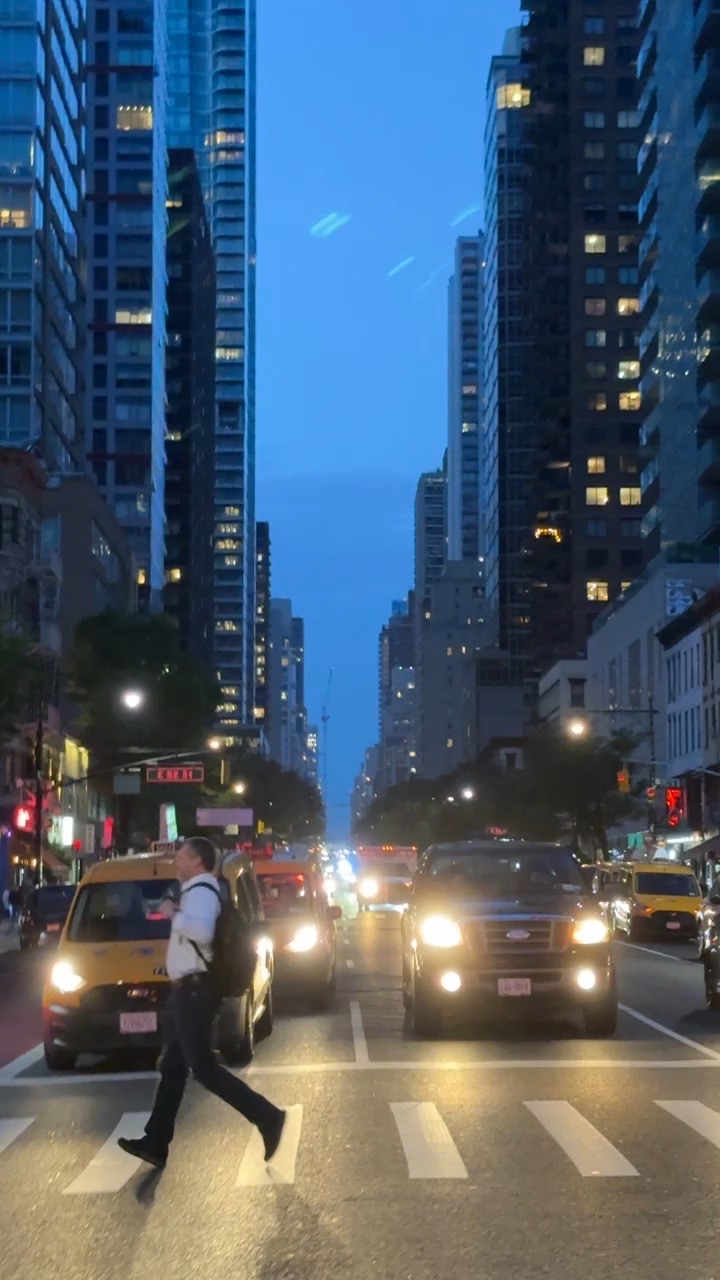
A professional photographer’s presets, right in your camera
Shoot with my own presets: my personal Max preset, Moody and Film, the looks from my own work. They are applied to every photo and video while you shoot. Use it for everyday life, trips, kids, dates, dinners and parties.
- 1
Auto picks the style for you
Auto sees what you are shooting (a selfie, a portrait, a couple, friends, food, a party, nature) and chooses the style and the look instead of you.
- 2
Pick a preset in one tap
Max, Moody or Film. They are applied live, in the viewfinder, in photo and in video.
- 3
Shoot and post
Every photo is finished the moment you take it. Zero minutes of editing.
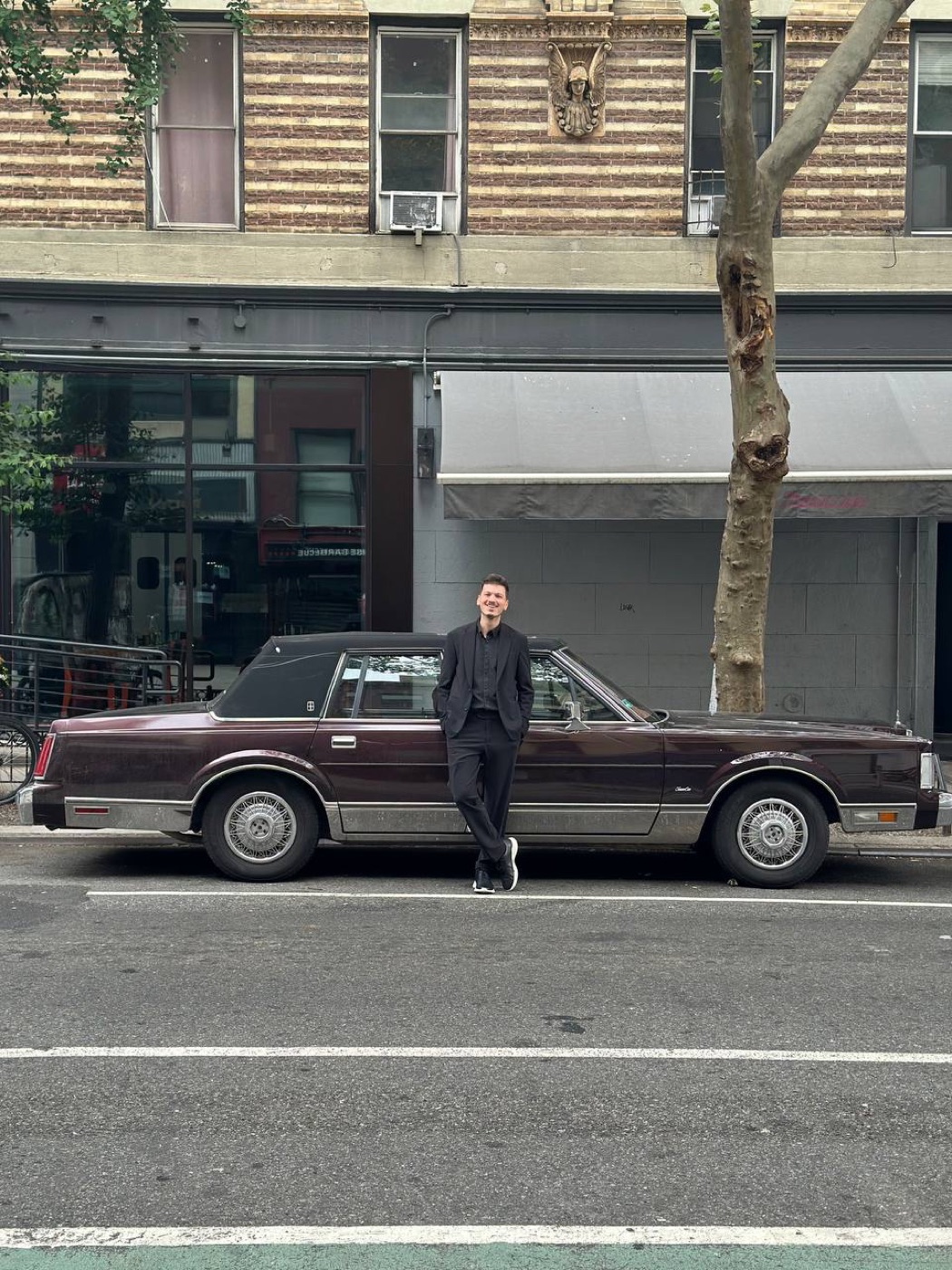
Why I made Max Pics
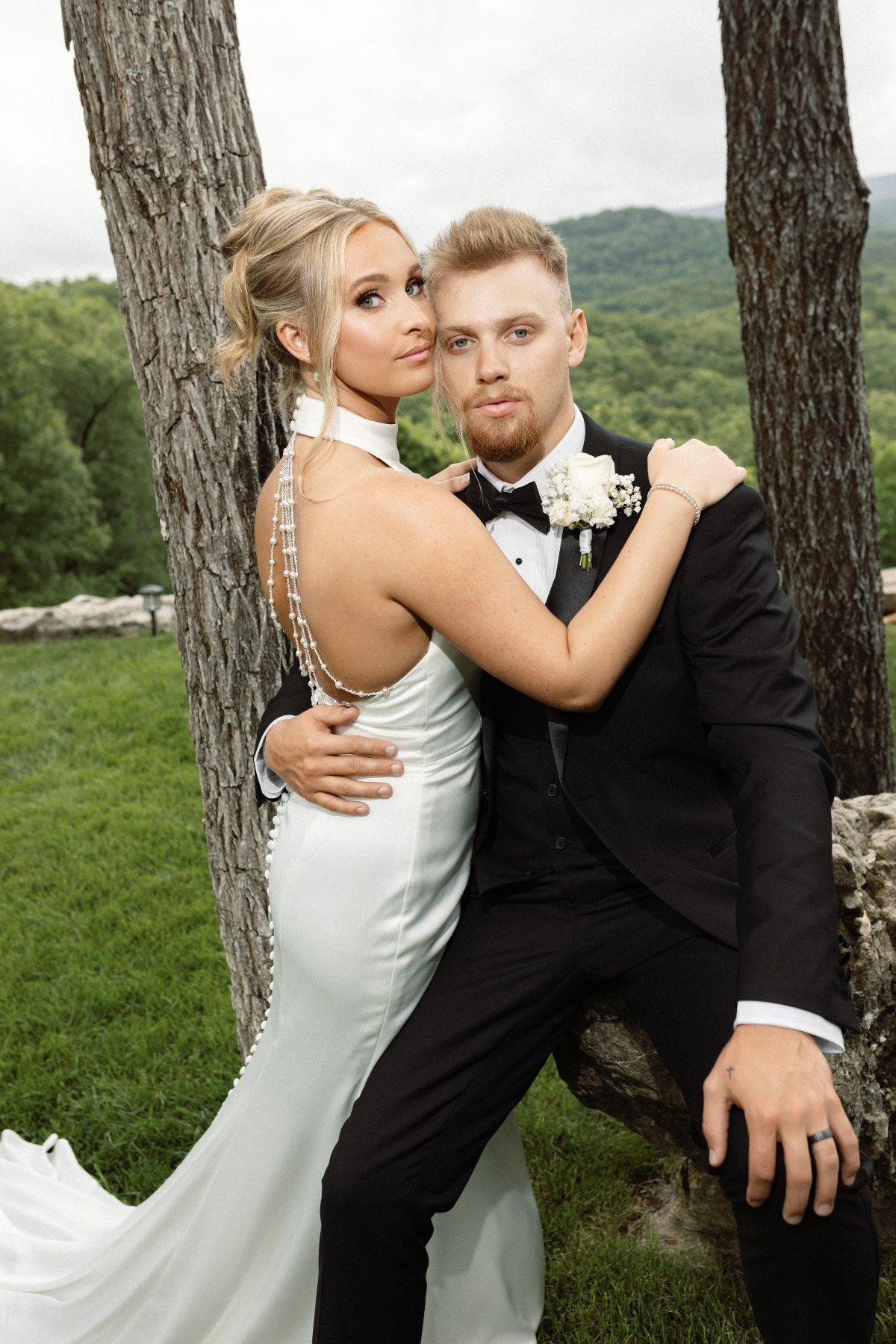
Hi, I’m Max. I’ve been a professional photographer since 2009.
At every photo session and every event, someone hands me their phone and asks me to take a picture of them. I always say yes, and I’m always a little disappointed: the photo on their phone never looks anything like the ones I deliver from my camera.
So I built Max Pics. It puts my color, the way I see skin, light and mood, into the iPhone camera. Every look in the app started as one of my own presets from real shoots. I want the photos on your phone to look as good as my professional ones.
Max Sydko
@sydko_maksymChoose what you shoot, not a filter name
Every style is designed to make the photo you want quick and easy, at a more professional level than the iPhone camera. Each one tunes focus, shutter, skin tone, grain and color for one kind of moment.
Portrait
Finds the face and focuses on the eyes. Skin tone is matched to my own edited portraits, with gentle retouching.
Let the app decide
Leave Auto on and Max Pics reads the scene (faces, the light, greenery, a dark room with colored lights) and switches to the right style for you. Choose a style yourself any time to turn Auto off.
Two buttons, two more moods
Next to the shutter there are two buttons, Moody and Film. They change the look of every style, in photo and in video, with no grading afterward. Tap again to go back to Max. Drag the line to compare with the regular iPhone photo.
Darker midtones and denser color for evenings, cities and anything with atmosphere. One tap, in any style.
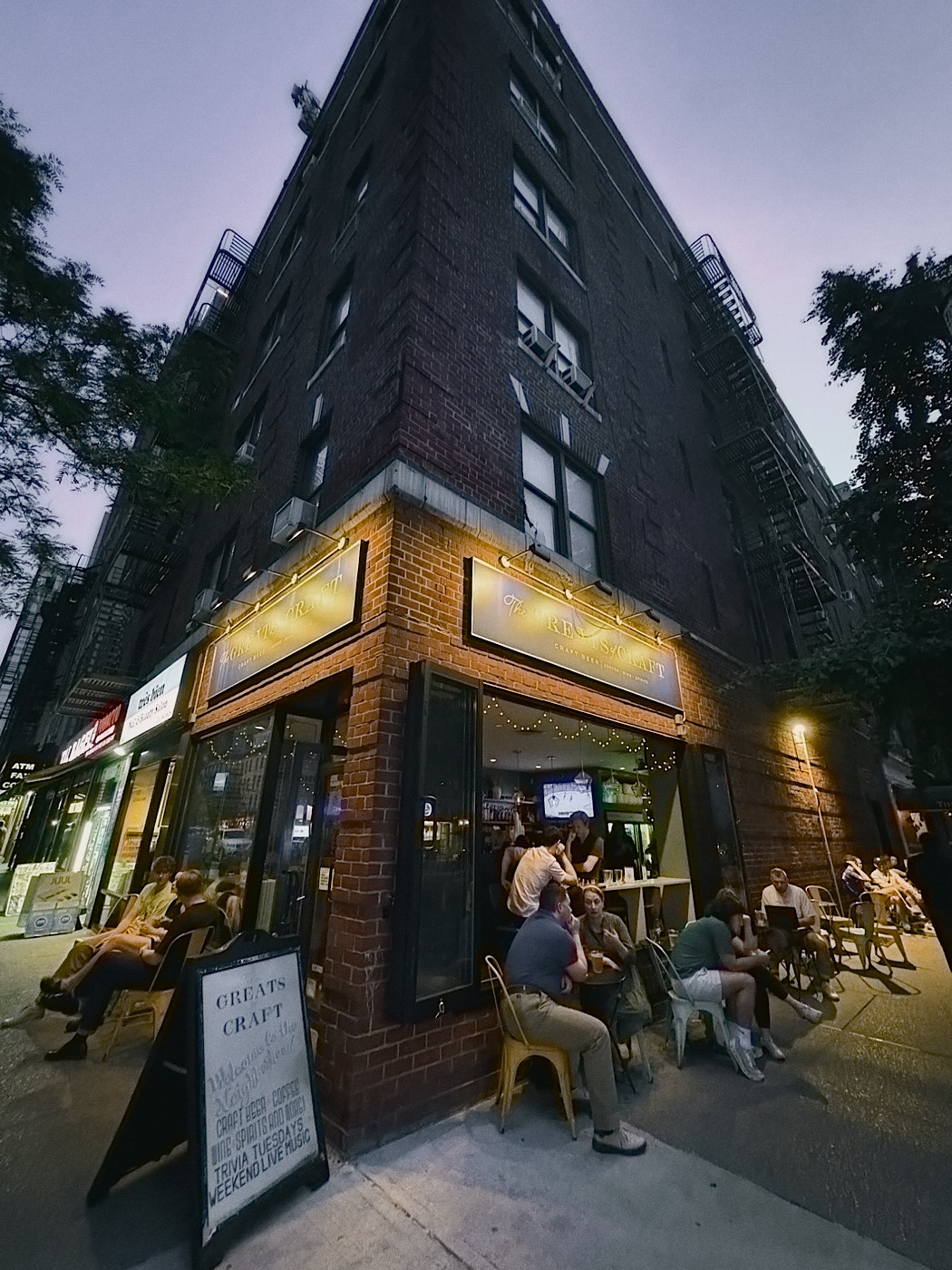
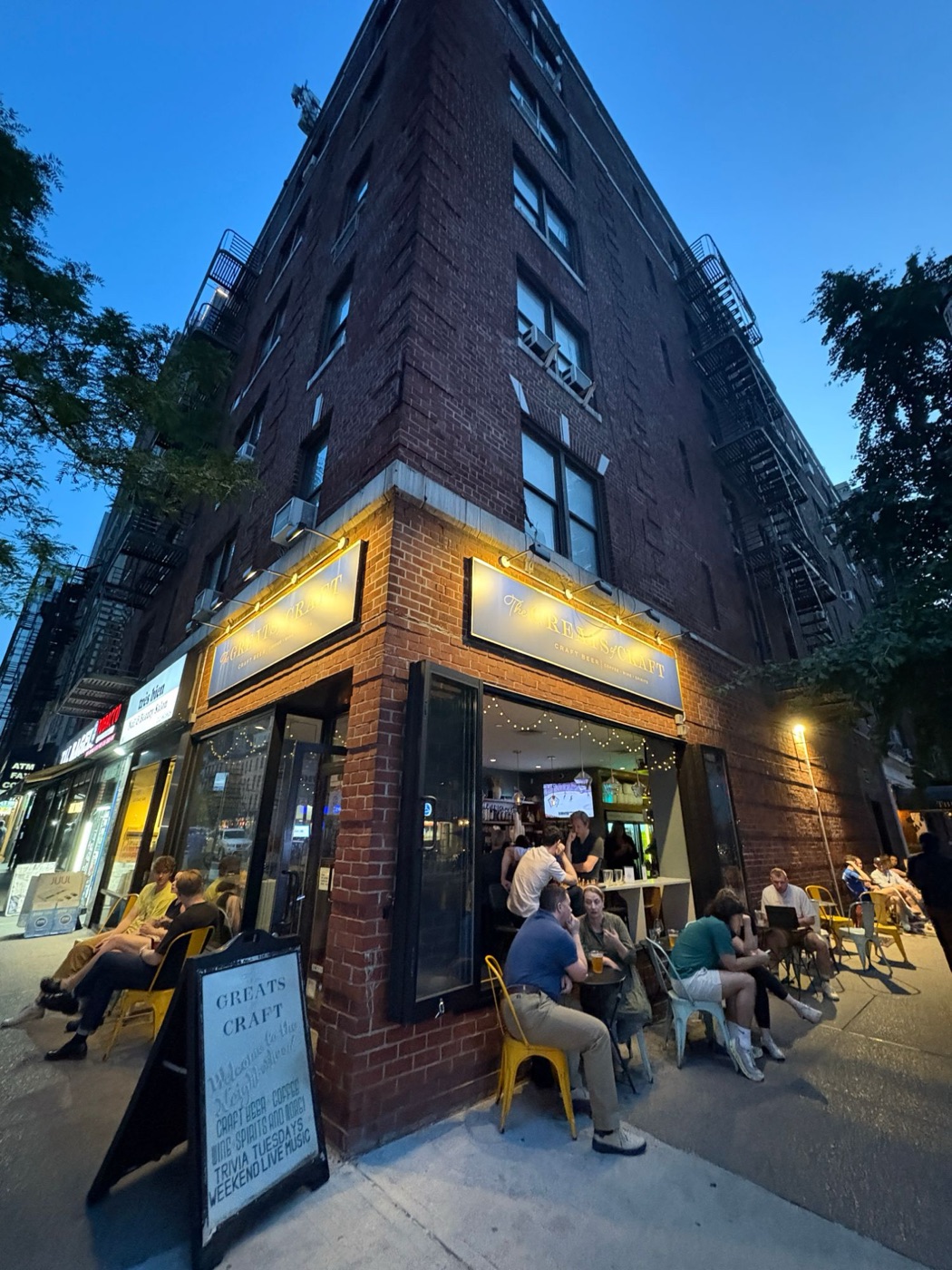
Set the look in 10 seconds. Shoot the whole session.
The usual way: you shoot, then open an editing app and spend 3 to 5 minutes on every single photo. The Photographer panel turns that around. Before you shoot, tap PH and set everything at once: film grain and its size, white balance, a color wheel and a color scheme. It takes about 10 seconds, and every photo of the session comes out in the same finished look. Nothing to edit afterward.
Shoot, then edit for hours
Shoot → import → 3–5 minutes of editing per photo → export. A session of 100 photos is an evening gone.
10 seconds, then just shoot
Set grain, white balance and color once → shoot the whole session → post. Lock keeps every frame identical.
Try it: move the sliders, drag the pad and the wheel, pick a scheme. Double-tap the wheel or the pad to reset.
Pick a scheme, then turn the wheel to rotate it and drag toward the edge to make it stronger. This page is a simulation; the app works on the live camera, in photo and in video.
Shutter
From 1/125 to a full second. In low light, long exposures are built from several frames so they stay clean.
Grain
Film grain from 0 to 100%, always black-and-white. Size takes it from fine and round to big, irregular grain like a film scan.
Histogram
A small see-through color histogram sits right under the style name, so you see the light before you shoot.
White balance
Warm/cool and green/magenta in one pad. Double-tap to go back to Auto.
Color wheel
Tone the whole photo toward any color, as gently or strongly as you like.
Color schemes
Complementary, Split, Analogous, Triad, Square and Mono, turned around the wheel.
LOCK
Freezes exposure, white balance and color so a series of shots looks the same.
Settings
12, 24 or 48 MP, HEIF or JPEG, a self-timer, a grid and front-camera mirroring.
Recorded on my iPhone, straight from the app.
Video that needs no color grading
Switch to Video and Max Pics records full-screen 9:16, just like the iPhone camera, already graded in the same style as your photos. No hours in an editing app: post the clip straight away. Stabilization and sound are on. Need light? Tap Flash. It stays off until you turn it on.
Up to 4K
4K at 24 or 30 fps, or 1080p at up to 60 fps, in HEVC or H.264.
Sound
Every clip records sound from the iPhone microphone.
Every look
Max, Moody and Film all work in video, and so does everything you set by hand in the Photographer panel: grain, white balance, the color wheel and color schemes.
Stabilization
On by default, or off when you want the raw handheld feel.
Flash light
Off by default, one tap to turn on.
Saved to Photos
Your clips land in your library, ready to post.
Max Pics keeps growing
Your own presets
Find the settings you love once (style, Moody or Film, white balance, color, grain) and save them as your own preset. Every photo and video after that comes out in the same style, so your feed always looks like you.
More of my presets
I’ll keep adding new looks from my own work, for different light, seasons and moods. They arrive as free updates for everyone with a subscription.
Try it free for 3 days
- All nine styles with Auto
- Max, Moody and Film looks
- Pro, the Photographer panel and video up to 4K
- New presets as free updates
- No ads, no accounts, no tracking
Yearly: 3 days free, then $29.99 a year.
Every plan starts with a 3-day free trial. Payment is charged to your Apple ID when the trial ends, and the subscription renews automatically unless you cancel at least 24 hours before the end of the current period. Manage or cancel any time in your iPhone Settings. Have a promo code? Redeem it in the app.
Your photos stay yours
Questions, answered
What is Max Pics?
A camera app for iPhone that shoots photos and videos in the color I use for my clients. You pick what you are shooting, and the app does the editing while you shoot, so there is nothing to fix later.
Who made the presets?
I did. I’m Max Sydko, a professional photographer in Missouri. Max, Moody and Film are my own Lightroom looks, rebuilt to work live on the iPhone camera. They are not filters bought from someone else.
Which iPhones are supported?
Any iPhone that runs iOS 17 or later. Newer iPhones get smoother video and a faster viewfinder.
How much does it cost?
Three subscriptions: $0.99 a week, $3.49 a month or $29.99 a year. Every plan starts with 3 days free. Subscriptions renew automatically unless you cancel at least 24 hours before the end of the current period.
How do I learn the app?
The first time you open Max Pics, a short tour of six screens shows you everything: styles, the Style slider, Moody and Film, the PH panel, Pro and video. Tap Next to go fast, or replay it any time from Settings.
How do I cancel?
Open Settings on your iPhone, tap your name, then Subscriptions, and choose Max Pics. You can cancel any time, and you keep access until the end of the period you paid for.
Do you see my photos?
No. Everything happens on your iPhone. The app has no accounts, no analytics and no ads, and your photos are never uploaded anywhere.
Can I still see the normal iPhone photo?
Yes. Hold your finger on the viewfinder to see the frame without the style. Move the Style slider to 0 to shoot a plain iPhone photo.
What do Moody and Film do?
They swap the base look in every style. Moody is darker and richer, with deeper color. Film is warm and golden, with soft matte shadows and big film grain. Tap again to go back to the regular Max look.
What is the Photographer (PH) panel?
Manual controls for when you want them: shutter speed, film grain (how much, and how big: from fine and round to large, irregular film grain), a white balance pad (warm/cool and green/magenta in one) and a color wheel for toning or color schemes.
Does video use the same color?
Yes. Video is recorded in the same style as your photos, in 4K at 24 or 30 fps or 1080p at up to 60 fps, with stabilization and sound. In video you can also turn on the flash light.
What can I change in Settings?
Tap the gear next to the lenses. Photo: resolution (12, 24 or 48 MP where available), HEIF or JPEG and a self-timer. Video: 4K at 24/30 fps or 1080p at 24/30/60 fps, HEVC or H.264 and stabilization. Viewfinder: a live color histogram, a grid and front-camera mirroring.
Can I make my own presets?
Not yet, but it is coming. You’ll be able to save your own settings so every photo and video comes out in the same style.
Will there be more presets?
Yes. I plan to keep adding my own looks, and subscribers get them as free updates.
Where are my photos saved?
Straight to your iPhone Photos library. Max Pics only asks for permission to add photos, so it can’t read the photos you already have.
I have a problem or an idea. How do I reach you?
Email me at sydkomax@gmail.com. I read every message myself.